


About Stream Design
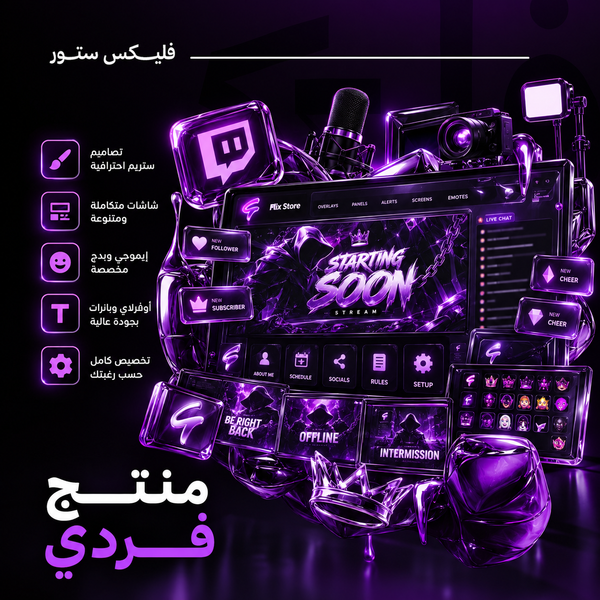
Stream design by the piece for your channel: Starting, Right Back, Ending, Just Chatting and Offline screens, a webcam frame, a 2D transition, a 3D intro, panels and subscription tiers (6 tiers). Animated designs come as WEBM and static ones as PNG, ready for OBS. Prices start at $2. Want a full stream identity? See streamer packages.
Stream Design: Your Overlay Screens, Piece by Piece
This is the section for single stream designs: you order the screen or element your stream is missing without buying a whole package. It holds the Starting, Ending, Right Back, Just Chatting and Offline screens, the facecam frame, transitions, the intro, panels, subscription tiers and the logo. Every design is made around your channel's identity.
Static or animated?
The four screens and the facecam frame come in two versions, static and animated, and you pick the version on the design's page. Viewers sit in front of the starting screen for minutes before you begin, so motion there is seen. The facecam frame stays on for the whole stream, and a calm one works best.
Works with streaming platforms and software
Designed for your channel on Kick, Twitch or YouTube, and delivered ready to use in OBS.
- Kick
- Twitch
- YouTube
- OBS
How to order stream design
-
Pick the design
Open the page of the screen or element your stream needs and read its details.
-
Pick the version
Static or animated, where the design has both.
-
Write the channel details
The channel's name, its link and the colors you want, with any examples you like.
-
Receive the design
It reaches you digitally through Discord or Google Drive, within the turnaround written on the design's page.