


About Discord Design
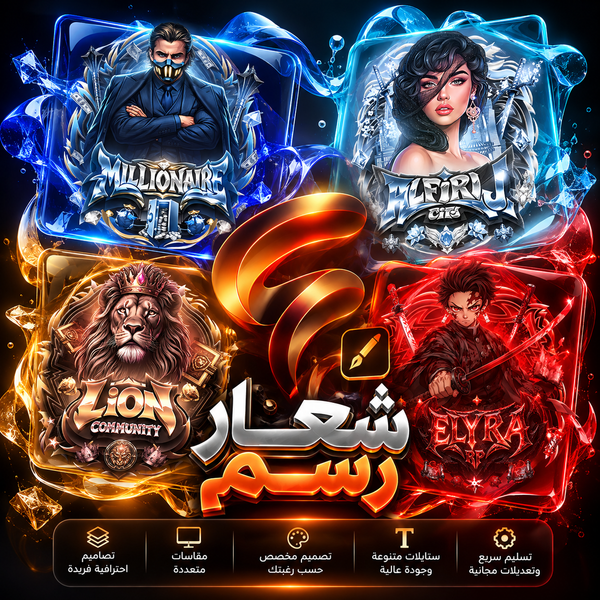
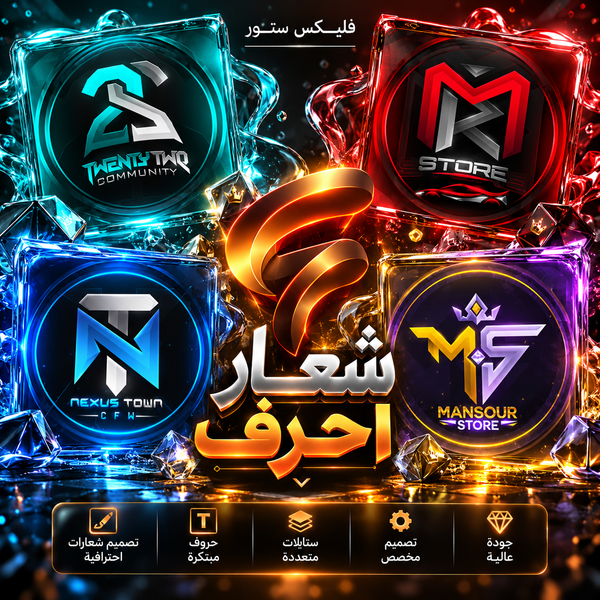
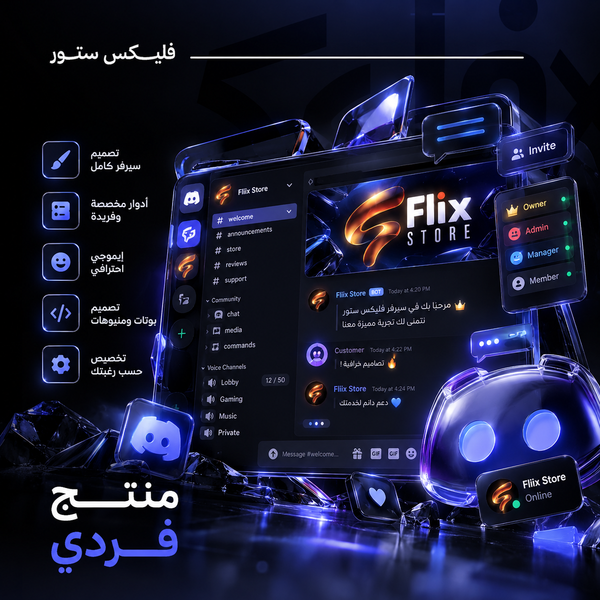
Discord design by the piece for your server: a logo (illustrated, symbol or lettering), a Discord banner and a profile banner, welcome, rules, ticket and opening images, an invite banner, bot images, a divider and a PC wallpaper. Many come static or animated: static as PNG, animated as GIF. Prices start at $2, and you order only what your server needs. Want everything together? See Discord design packages.
Only need a banner for your server? Order a Discord banner, static or animated.
Discord Design: Your Server's Images, Piece by Piece
This is the section for single Discord designs: you order the image your server is missing without buying a whole package. It holds the logo, the Discord banner, the invite banner, the welcome image, the rules, ticket and opening images, bot images and the divider line. Every design is made around your server's name and colors.
Static or animated?
The logo, banner, profile banner, divider line and PC wallpaper come in two versions, static and animated. The rules, ticket and opening images and the invite banner are static. Before ordering an animated version, check that your server can show it; static works in every case.
Ready to use in Discord
The images arrive ready to upload in the server's settings and channels, whether it is a streamer's community, a gaming server or a shop's support server.
- Discord
How to order Discord design
-
Pick the design
Open the page of the image your server needs and read its details.
-
Pick the version
Static or animated, where the design has both.
-
Write the server details
The server's name, its invite link and a way to reach you, with any colors or examples you like.
-
Receive the design
It reaches you digitally through Discord or Google Drive, within the turnaround written on the design's page.